Final score graphics.
The buzzer goes, you type the score, and the win is posted before the handshake line ends.
Free to download · No account · Any school, any level
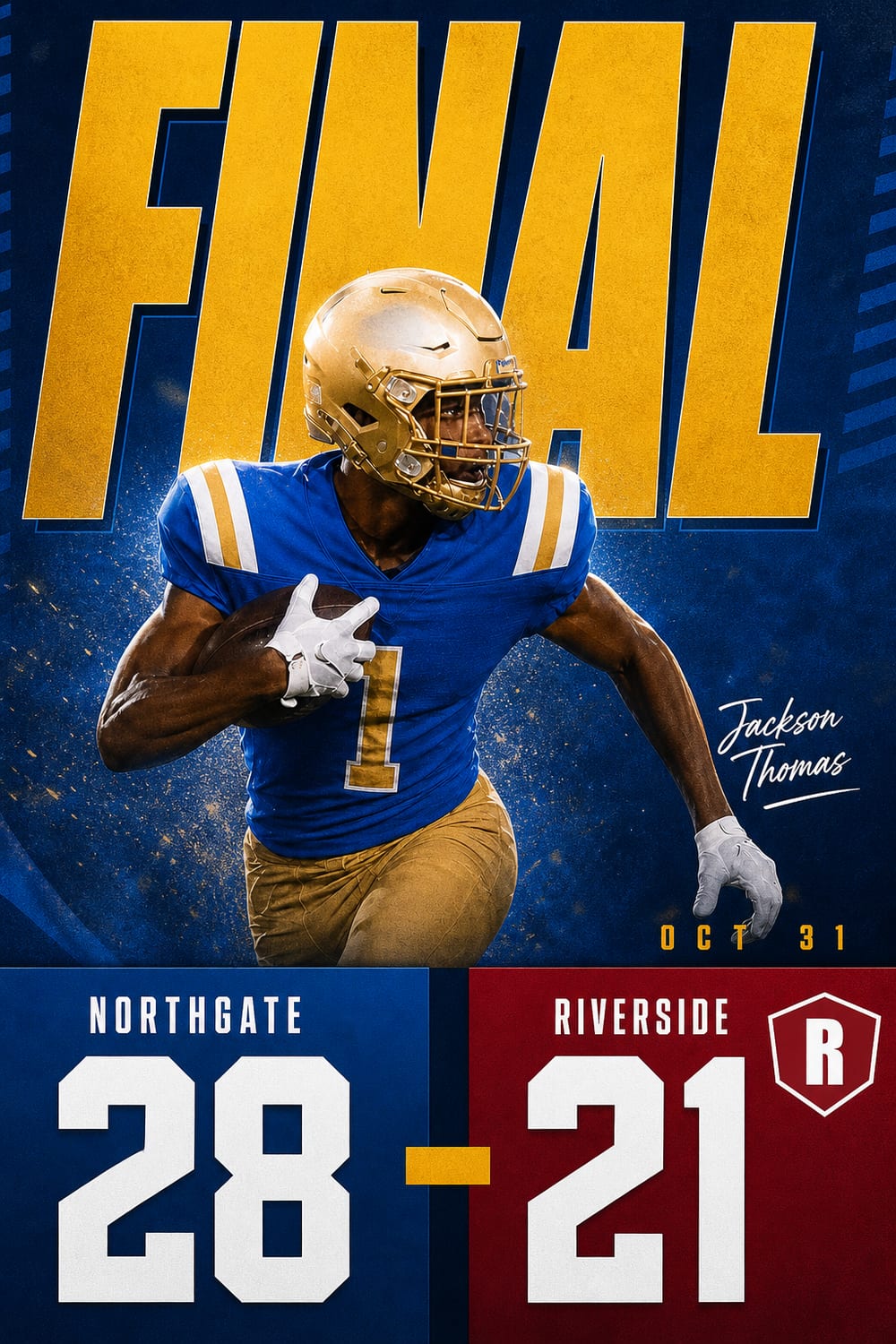
The final score is the post fans wait for, and it is the one that most often goes up as plain text because nobody has time to open a design app after the game. CommitGraphics makes it a real graphic in about a minute: your team, the opponent, both scores and the date, with both logos, in your team's colors.
Add a photo from the game and the player becomes the centerpiece, with FINAL across the top and the score below. Leave the photo out and you get a clean scoreboard-style design built around the teams. Every word and number is placed exactly as you type it.
It is part of the Game Day tab, next to the pre-game matchup graphic, so the week's posts can match. Any sport, any level, and the same one-time packs as everything else in the app.
From buzzer to post
Game Day, then SCORE
Open the app, tap the Game Day tab and pick SCORE.
Teams and score
Your team, the opponent and both scores. Add the date if you want it on the graphic.
Logos and a photo
Upload both logos if you have them, and a game photo if you want a player featured. Both are optional.
Create and post
Two finished designs per tap. Download the size you need and post the result.
A result worth reposting
Both numbers and both team names are placed exactly as typed. The design never guesses a score.
Feature the player of the game with a photo, or skip the photo for a design built around the two teams.
Use the same logos as your pre-game graphic and the week reads as one set.
Football, basketball, baseball, softball, soccer, volleyball, lacrosse, hockey and the rest.
A win this good deserves more than a line of text.
The CommitGraphics difference
What a final score graphic shows
Open CommitGraphics, tap Game Day and choose SCORE. Every word on the graphic comes from what you type, spelled exactly as you type it, so check the names before you tap create.
The essentials
Both team names and both scores are required; the app will not create the graphic without them. The date is optional and worth adding during a long season, so old posts still make sense when someone scrolls back.
Logos
Upload your team logo and, for score and matchup posts, the opponent's. The engine places them in the design. No logo? It builds the look from the team name and colors instead.
A photo is optional
Add an action shot and the player becomes the centerpiece. Leave it out and the graphic is designed around the teams, the type and the colors, with no person in it. The app never invents an athlete.
Posting the result well
Post fast
The best time to post a final is within the hour, while parents and students are still on their phones. The graphic is ready in about a minute, so the post can go up from the parking lot.
Losses too
Plenty of programs post every result, not just wins, and it builds trust with the people who follow the team. Keep the caption short and point to the next game.
Then the stat line
If one player carried the night, follow the final with a stat line graphic, or save the best performance of the week for a Player of the Week post.
Questions, answered
How do I make a final score graphic?
Download CommitGraphics, tap Game Day and choose SCORE. Enter your team, the opponent and both scores, add logos and a photo if you want them, and tap create. Two finished designs arrive in about a minute.
Can I make one without a player photo?
Yes. The photo is optional. Without one, the final score graphic is designed around the two teams, their logos and the score.
Will the score and team names be spelled right?
Yes. Every word and number on the graphic comes from what you type, placed exactly as you typed it.
Does it work for basketball, baseball and other sports?
Yes. It works for any sport and any level, from middle school and club teams to varsity and college.
What sizes do I get?
Each download comes sized for an Instagram post, a Story, a square post and X.
How much does it cost?
The app is free to download. Graphics use one-time packs: $14.99 for 20, $24.99 for 40 or $39.99 for 60, with no subscription.
Every moment covered
Final, posted.
Download CommitGraphics and post tonight's result as a real graphic.
One-time packs, no subscription · commitgraphics.com