Best commitment graphic apps.
The four real ways to get a college commitment graphic made — an app, a template, a team platform, or a designer — compared honestly, including when not to use ours.
Independent comparison · Updated September 2026
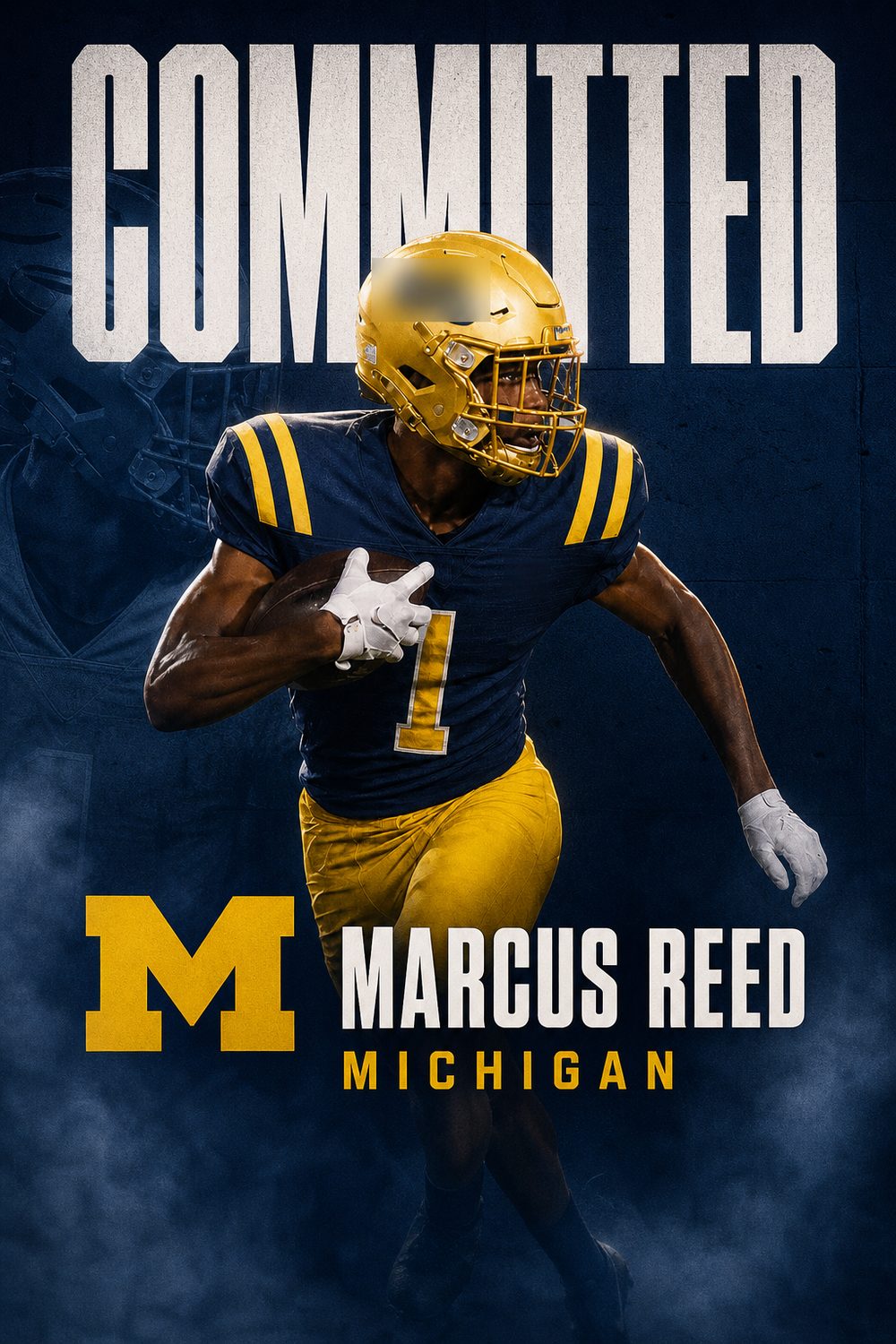
There are five real ways to get a college commitment graphic made in 2026: a dedicated iPhone app, a template you customise yourself, a design platform built for athletic departments, a web-based edit generator, or a human designer. Each is the right answer for someone. Here is an honest comparison, including where CommitGraphics is not the best choice.
1. CommitGraphics — the dedicated app (iPhone)
CommitGraphics is built for exactly one job. You add an action photo, type your name, sport, position, class year and school, and about a minute later you have two finished designs in the school's real colours with your details placed exactly. Finished graphics export in post, Story, square and X sizes. It is free to download; finished graphics come in one-time packs — $14.99 for 20, $39.99 for 60 — with no subscription.
Best for: athletes and parents who want a designed-looking announcement today without learning a design tool. Not for you if: you are on Android, or you want to art-direct every pixel yourself.
2. Canva — do it yourself from a template
Canva has free and paid commitment-post templates, and many independent designers sell Canva templates for a few dollars. You drop in your photo, change the text and colours, and export. The result depends entirely on your eye and your patience: cutting the athlete out of the background cleanly, matching the school's exact colours and keeping the typography from looking like a template are the parts that take time.
Best for: people who enjoy designing and have an hour. Watch for: templates that look like everyone else's, and background removal that leaves halos.
3. Gipper and similar school platforms
Gipper is a subscription platform aimed at athletic departments and schools, with large template libraries for commitment, signing-day and score graphics and direct publishing to team accounts. It is priced and organised for a program that posts every week, not for one family making one announcement, though a free trial is offered.
Best for: athletic directors and team social-media managers. Not for you if: you need one graphic, once.
4. Next Level Edits — a web app with a large style library
Next Level Edits is the closest like-for-like alternative: a browser-based tool where you upload a photo, pick from a library of more than twenty named design styles and download an edit at 2K in three sizes, with optional extras such as a uniform swap, school wordmark, position and a signature. It works on any device with a browser, including Android and desktop. Pricing is per edit type: $15 for an offer, commitment or signing edit (each a block of generation credits), $25 for two types bundled, $35 for all three, with $5 credit top-ups.
Best for: athletes without an iPhone, and anyone who wants to browse a very large style menu. Trade-offs: each milestone is a separate purchase, so covering offers, commitment and signing day costs $35 versus one $14.99 pack of 20 graphics in CommitGraphics that covers all three; and text is rendered by the model rather than placed as real type, so check names carefully.
5. A human designer — custom commitment edits
Services such as Commitment Edits, D1Graphics and College Commit Edits, and many photographers and freelance designers on Instagram, will make a fully bespoke graphic by hand. You send photos and details, approve a proof and receive the files, usually within a day or a few days. Prices are set per graphic by each designer. This is the route for a truly one-of-a-kind piece, a video edit, or a very specific concept.
Best for: athletes who want something no app or template can produce and are happy to wait for it. Watch for: turnaround time on signing day, and revision limits.
Looking for a D1Graphics alternative?
D1Graphics is one of the better-known commitment edit studios: you pick from a menu of named styles, send your photo and details, and a designer sends the finished edit back on a stated turnaround. It is a good route when you want a person on the job. The reasons athletes look for an alternative are the same three every time: the wait (a day or more, which is a problem the night an offer lands), the per-edit price when offers, commitment and signing day each need their own graphic, and the back-and-forth on revisions.
CommitGraphics covers the same styles in the same recruiting-page format (editorial, monochrome, monogram, badge, script and more) but builds the edit in about a minute from one photo, on your phone, with the school's colors pulled from a database rather than matched by eye. One $14.99 pack covers 20 graphics across every milestone. What it does not do is a fully bespoke concept or a video edit; for those, a studio or a designer is still the right call.
Side by side
- Time to a finished graphic: CommitGraphics about a minute · Canva an hour or so · Gipper minutes once set up · Next Level Edits minutes · designer one to several days
- Who does the work: the app · you · you, from templates · a designer
- School colours: CommitGraphics from a colour database · Canva you match them · Gipper set per school · designer matches them
- Name spelled exactly: CommitGraphics places it as real text · Canva you type it · Gipper you type it · designer types it, check the proof
- Cost model: CommitGraphics one-time pack ($14.99 for 20 graphics, all milestones) · Canva free or a few dollars per template · Gipper subscription · Next Level Edits $15 per milestone type ($35 for all three) · designer per graphic
- Platform: CommitGraphics iPhone · Canva web and mobile · Gipper web · Next Level Edits web · designer any
How to choose
If the announcement is this week and you want it to look official without a learning curve, use the app. If you enjoy design and have the time, Canva will get you there. If you run a program's account, a platform like Gipper pays for itself. If you want a piece of art, hire a designer and start early.
Make it official.
Questions, answered
What is the best app to make a college commitment graphic?
For most athletes, a dedicated app is the fastest path: CommitGraphics on iPhone makes a finished graphic in your school's real colours from one photo in about a minute. Canva is the best choice if you want to design it yourself, and a custom designer is best for a fully bespoke piece.
Can I make a commitment graphic for free?
Yes, with a free Canva template and your own time. CommitGraphics is free to download, with finished graphics sold in one-time packs from $14.99 for 20.
How much does a custom commitment edit cost?
Independent designers set their own prices per graphic and usually deliver within one to a few days. Check the designer's current rates and turnaround before signing day.
What size should a commitment graphic be?
Instagram feed posts look best at 4:5 (1080 by 1350), Stories at 9:16 (1080 by 1920), and X at 1:1. CommitGraphics exports all of these from the same graphic.
Is there a commitment graphic app for Android?
CommitGraphics is iPhone only for now. Android users can use Canva or a designer, or have a family member with an iPhone make the graphic.